Teach. Manage. Assess.
Your whole lesson runs on
one Smart Board.
Timers, student pickers, drawing, and one tap into every voice-activated game — free, no student devices or accounts.
A full lesson, one tab
ESLKit isn't one game — it's every stage of your class, from warm-up to wrap-up, without switching apps.
Smart Board
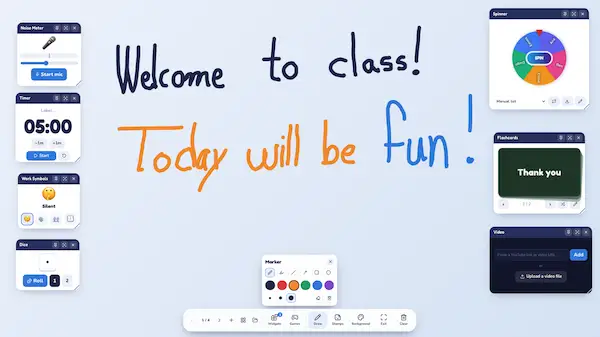
Set up your board once — widgets like flashcards, a noise meter, a sentence builder and a freehand drawing layer save automatically, so your lesson is ready the moment class starts.
 Try it
 Students score by saying the word — not clicking it
Most quiz sites test clicking. In ESLKit's voice games, students have to pronounce the word to win the point — so every round is real speaking practice.
Manage
Free classroom tools that keep your ESL lesson running — scorekeeping, fair student picking, slides and attendance, all in your browser.
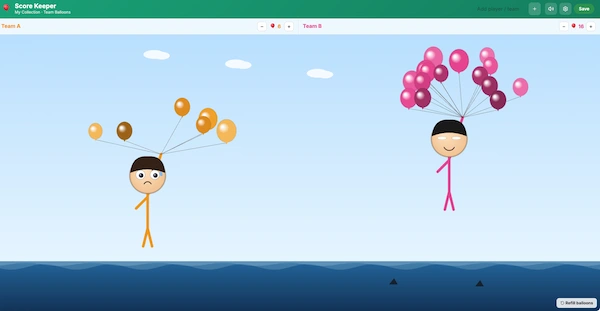
Score Keeper
Live team scores keep the whole class invested — add students or teams and every point shows up on the big screen instantly.
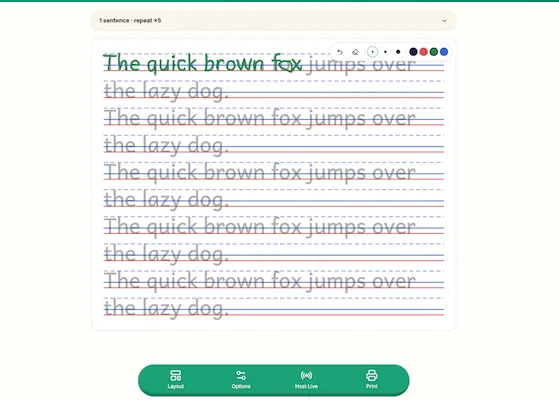
Handwriting Worksheets
Trace-ready sentence sheets for young writers — students trace on screen with a mouse, finger, or stylus, or print a ready-to-use worksheet.
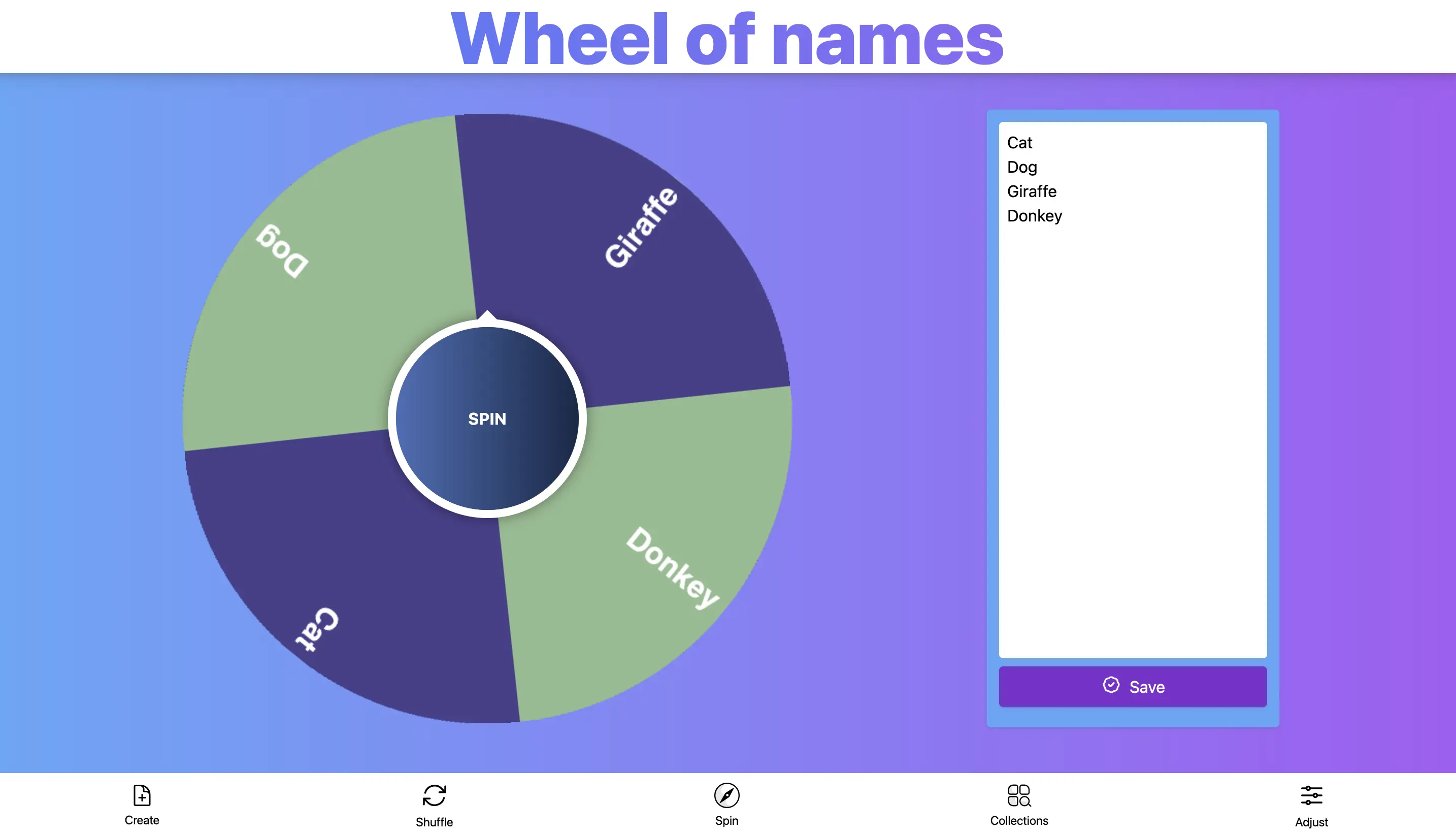
Wheel of Names
Pick students fairly — no arguments, no favoritism. Spin to call on students, pair partners, or choose the next word.
Smart Board
Run your whole lesson from one screen — timers, traffic light, random picker, drawing layer, and one tap into any game.
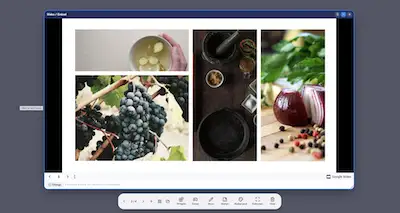
Teaching Slides
Run your PowerPoint and PDF lesson slides right inside ESLKit — no switching apps, no downloads. Coming soon.
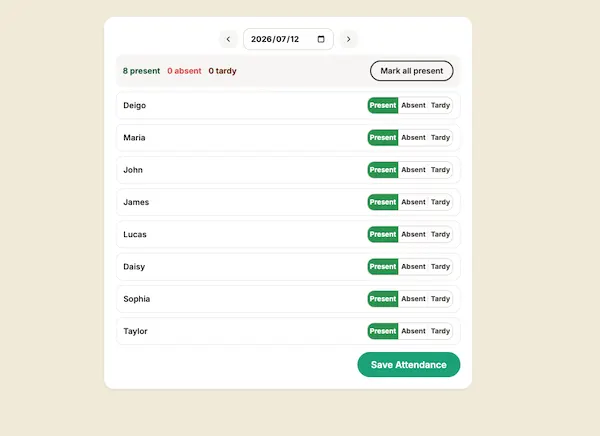
Attendance
Take roll in seconds and keep simple class records online — no more paper lists to lose.
Assess
Voice-activated ESL games that check vocabulary, reading and speaking in real time — no logins, no student devices.
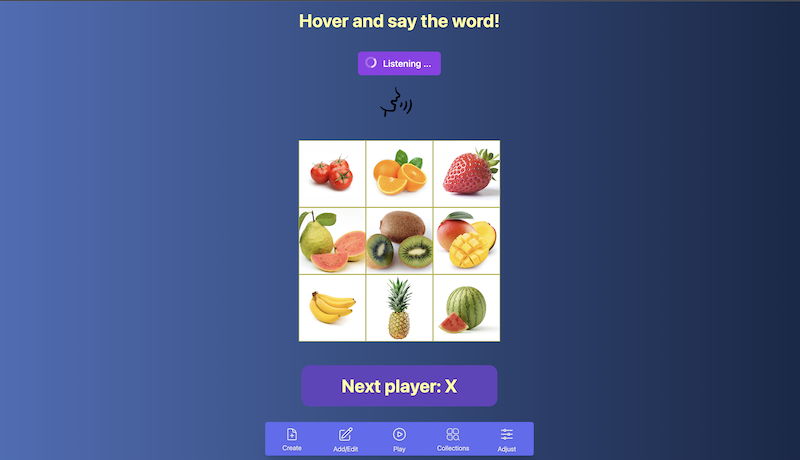
ESL Tic-Tac-Toe
Vocabulary review as a team battle — students must say the word out loud to claim a square, so every turn is speaking practice.
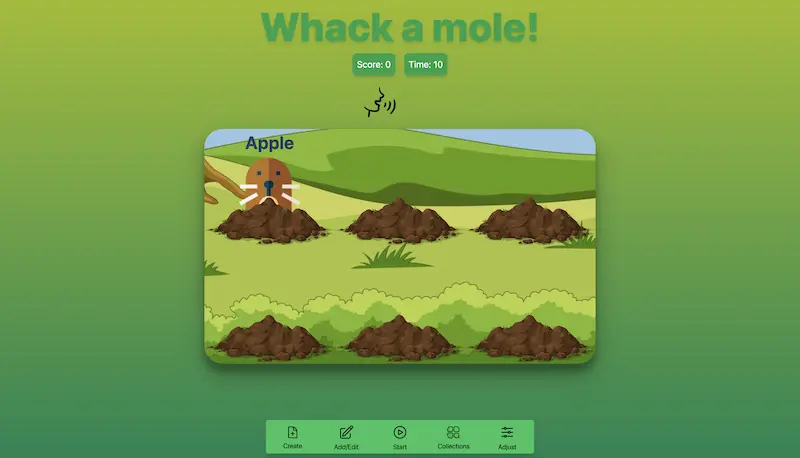
Whack-a-Mole
Get shy students shouting vocabulary — say the word to whack the mole, live against the whole class.
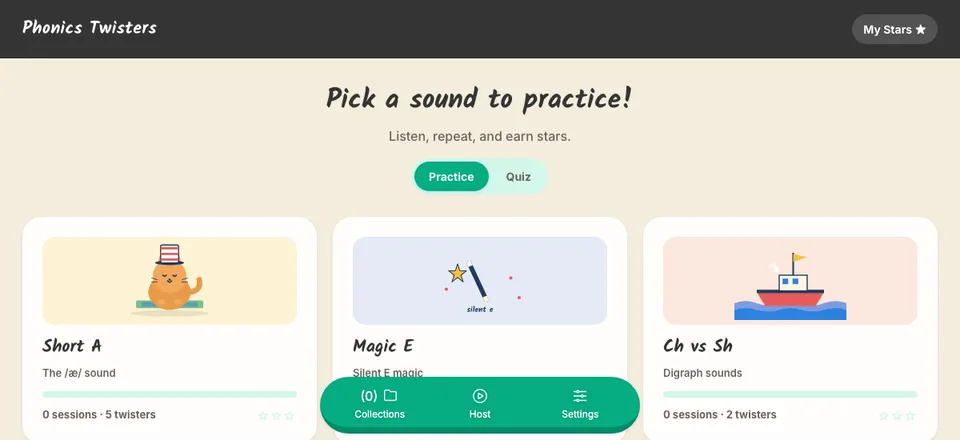
Phonics Twisters
Fix tricky sounds without drilling — tongue-twister challenges that score real pronunciation, not clicks.
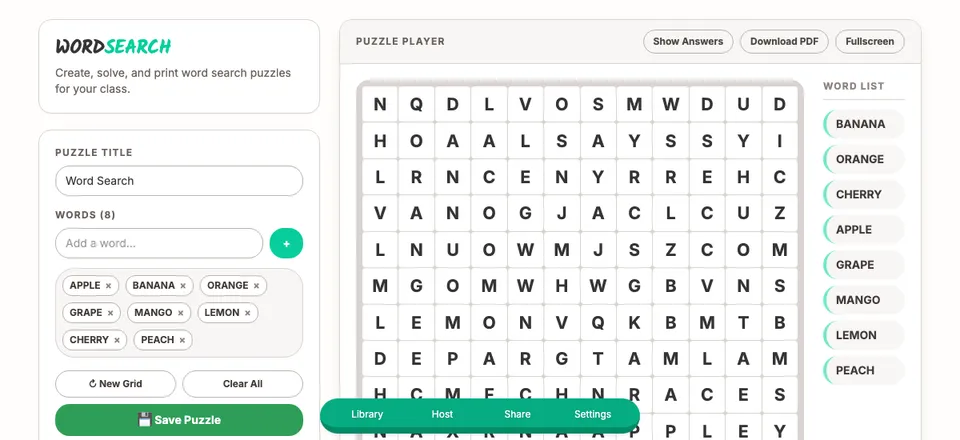
Word Search Puzzle
A calm five-minute filler from your own vocabulary list — reinforce spelling and reading with zero prep.
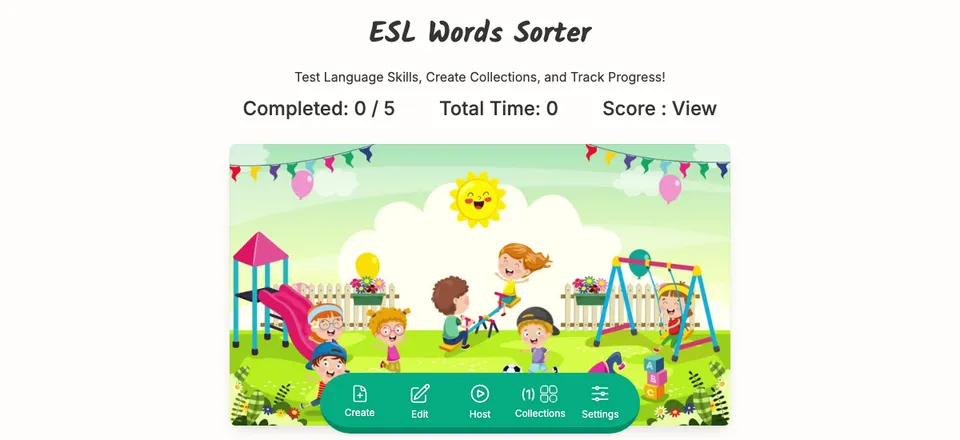
ESL Word Sorter
See instantly who really understands — students unscramble and group words live while you watch progress in real time.
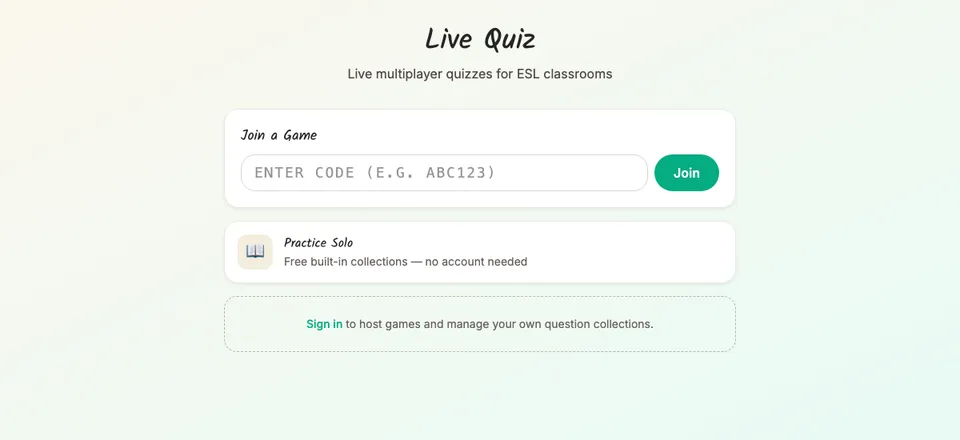
Live Quiz
Check vocabulary and grammar in real time with instant scoring — host live or let students practise solo.
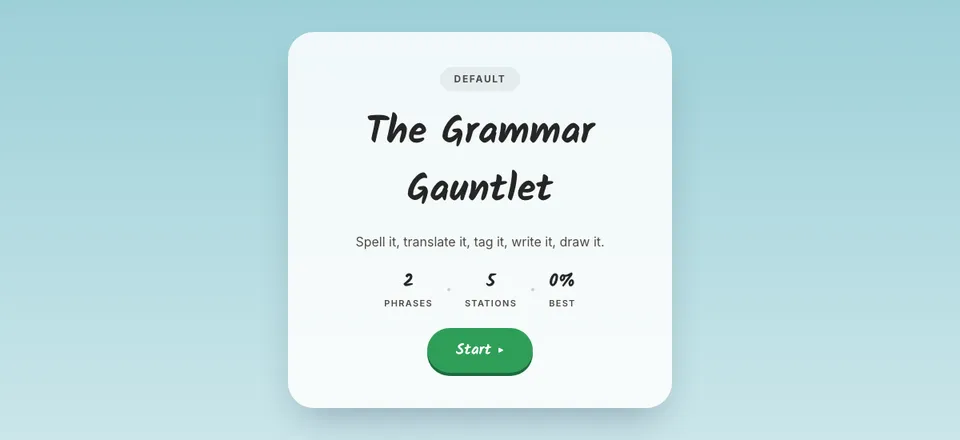
Grammar Gauntlet
A five-station team relay that keeps every student busy at once — grammar practice that feels like a race.
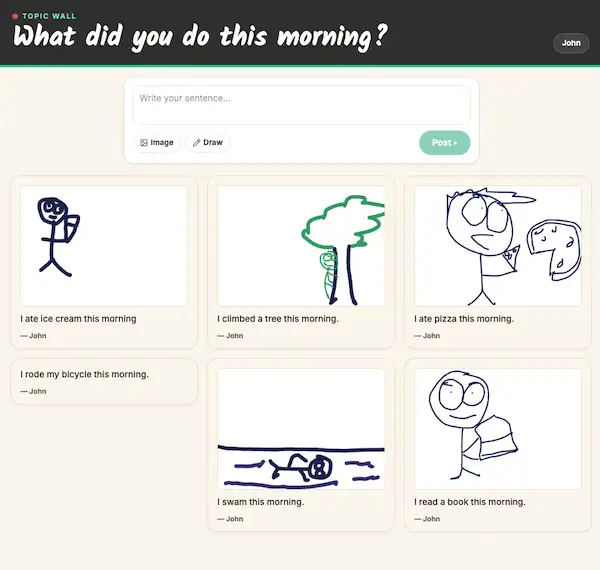
Topic Wall
A live class wall for exit tickets and writing prompts — students post sentences and drawings, you spotlight the best.
Grammar Blocks
Grammar drills that feel like building blocks — students drop colour-coded word cards into sentence slots and hear the result read aloud.
Why teachers use ESLKit
Built around real classrooms — big classes, mixed levels, and zero prep time.
- No student accounts, no student devices — one screen runs the class
- Nothing to install — everything runs in the browser
- Built for smartboards and projectors
- Real-time multiplayer — scores and answers update live
- Built by an ESL teacher, tested in real classrooms
- Every game is free to play — no account required
Free to play. Pro to plan ahead.
Every game is free, no account required. Pro is for teachers who run ESLKit every lesson — save your vocabulary once and reuse it all term.